Organising Your Sketchbook and Digital Folders for Creative Momentum
A field guide to organising physical sketchbooks and digital folders so ideas remain accessible and practice momentum builds over time.
Why organisation supports momentum
Practising regularly is easier when your materials and digital assets are organised. Clear systems remove friction: you spend less time searching and more time sketching. Organisation also creates a visible record of progress, which supports reflection and future planning.
Physical sketchbook approach
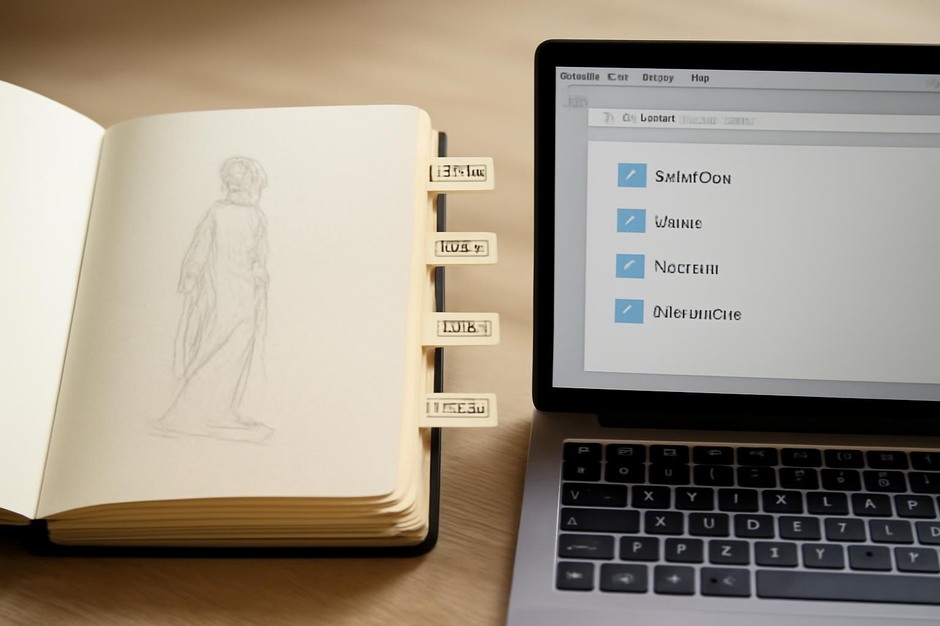
- Index the first page — Reserve the front page for an index: note page numbers and short topics.
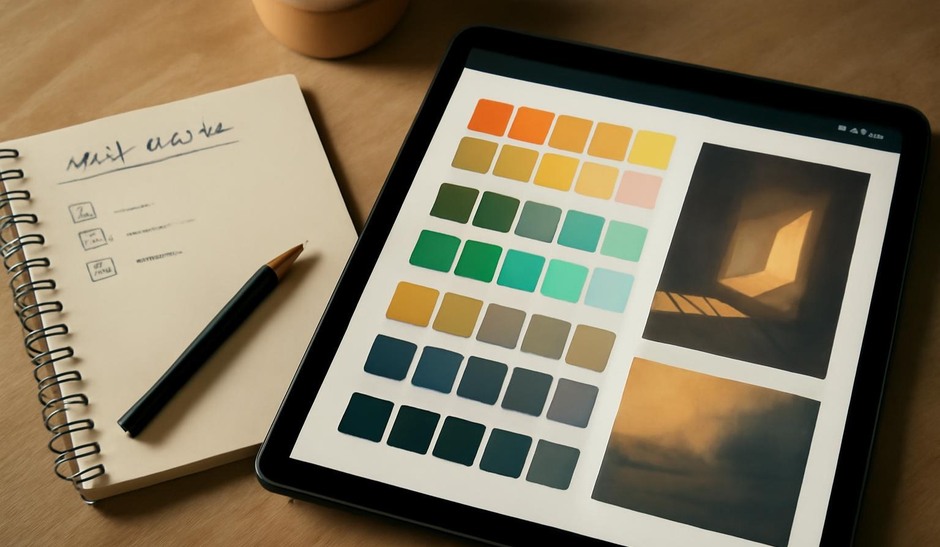
- Use tabs or sticky notes — Mark sections for gesture, colour tests, and notes.
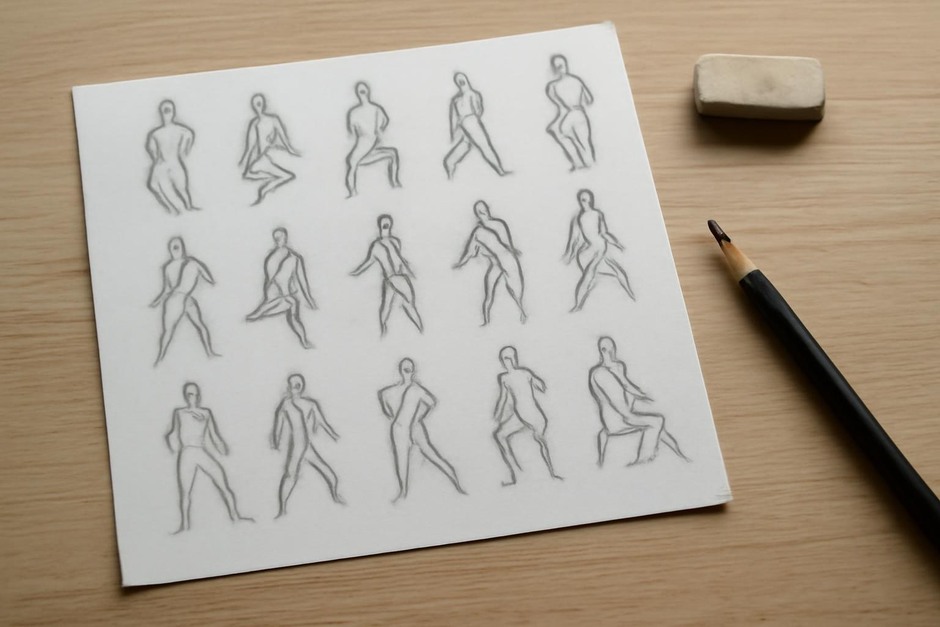
- Keep short daily prompts — A small list of repeatable prompts (15-minute gesture, 20-minute study) keeps sessions compact.
Digital folder structure
A simple, consistent hierarchy works well. Example structure:
- Projects/ (one folder per finished or active project)
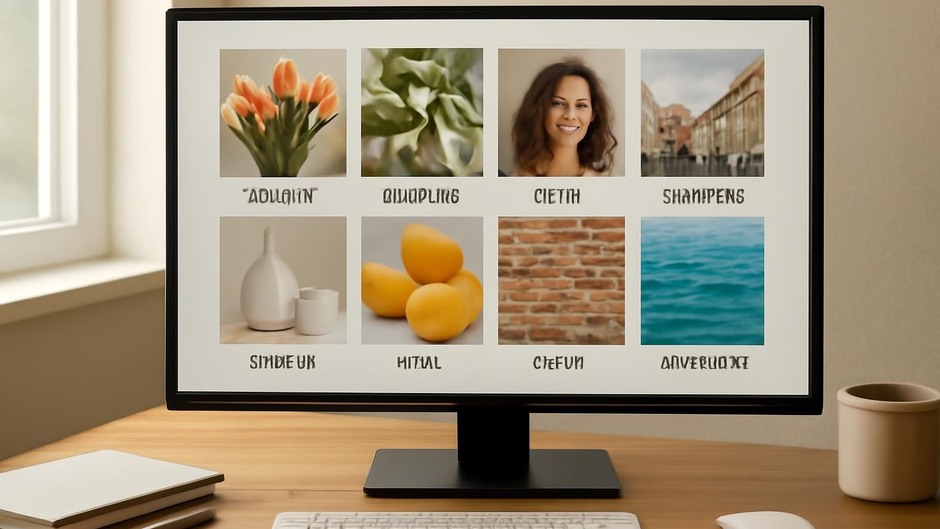
- References/ (tagged subfolders: gesture, lighting, texture)
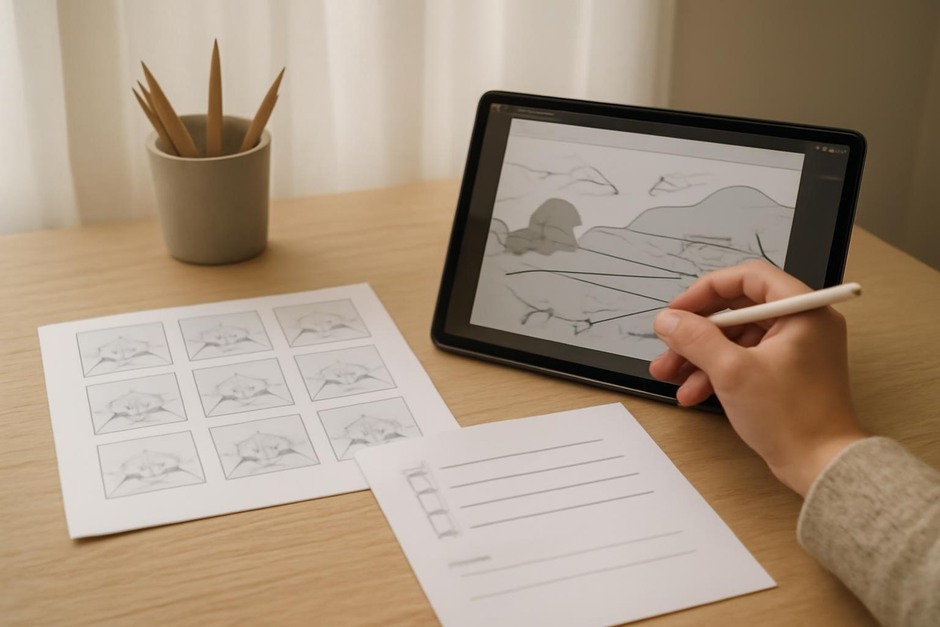
- Studies/ (thumbnails, colour-tests, iterations)
- Exports/ (final images and quick saves)
Name files with a short date and topic, such as “2026-03-12_gesture-sprint.png” so you can sort chronologically and recognise content at a glance.
Checklist for a weekly tidy session
- Move completed references into ‘References’ with clear labels.
- Rename ambiguous files with short descriptive names.
- Delete or archive duplicates to maintain searchable folders under fifty items when possible.
Reflection prompts
- Which folder or sketchbook section did you use most this week and why?
- Is any saved reference no longer useful? Remove it to reduce clutter.
- How did organising assets help you start sessions faster?
Organisation is not a one-time task but a lightweight routine. Thirty minutes a week keeps your creative momentum higher and your practice more focused. The time you invest in tidy systems returns as more useful, less interrupted practice sessions.