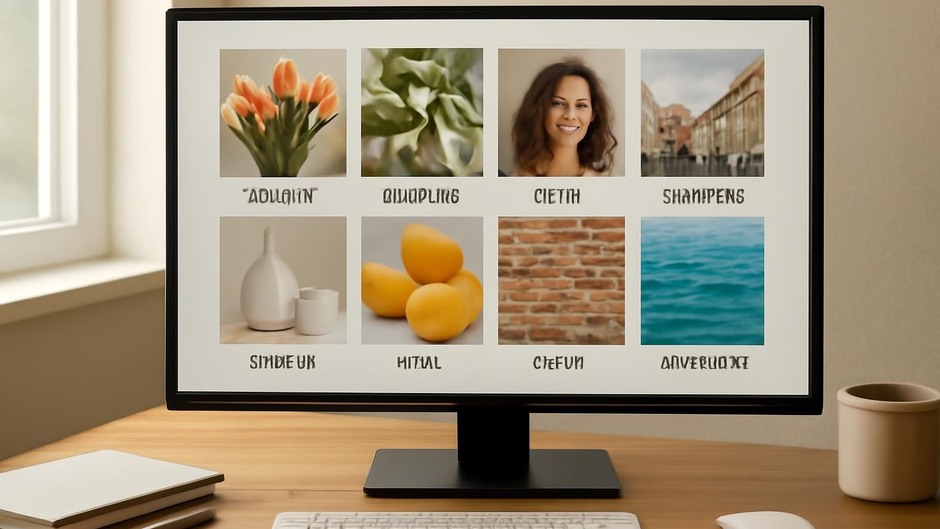
Smart Reference Gathering: Building a Visual Library for Speed and Accuracy
Collect with intent
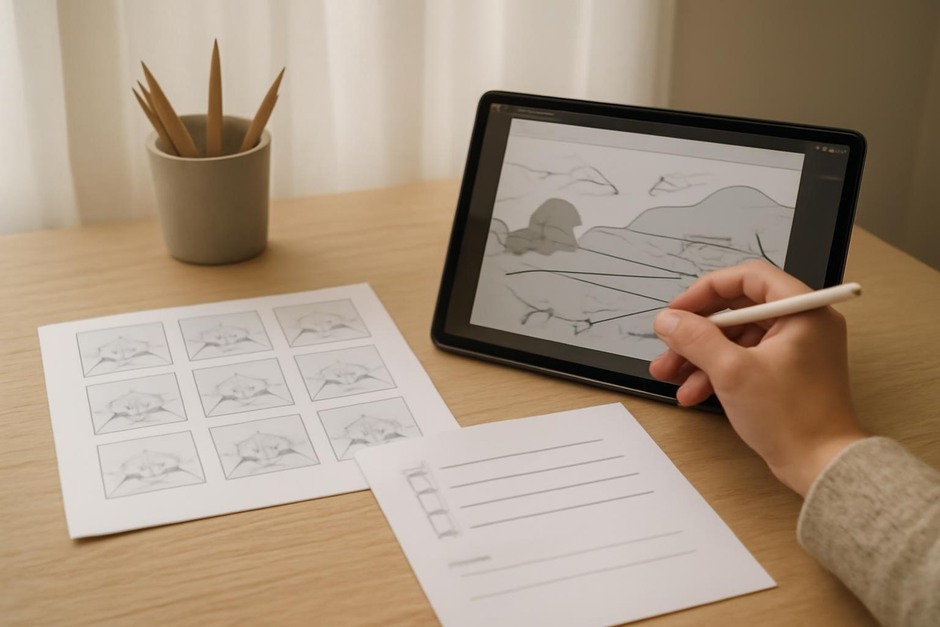
Reference gathering improves speed and accuracy when you are sketching or testing colour. The most useful collections are selective: each image should solve a question you expect to face during the drawing. Aim for references that answer specific needs such as pose, fabric behaviour, lighting direction, or material texture.
Simple categories to collect
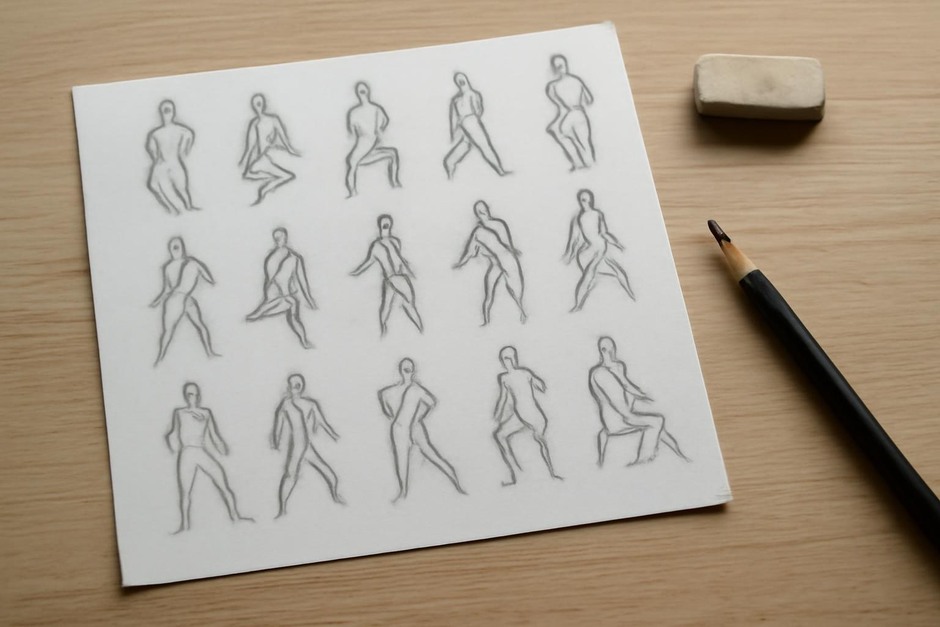
- Pose and gesture — Dynamic silhouettes, clear weight distribution.
- Anatomy details — Hands, shoulders, knees photographed clearly.
- Lighting and mood — Examples of your intended light direction and contrast.
- Surface and material — Fabric folds, skin texture, reflective surfaces.
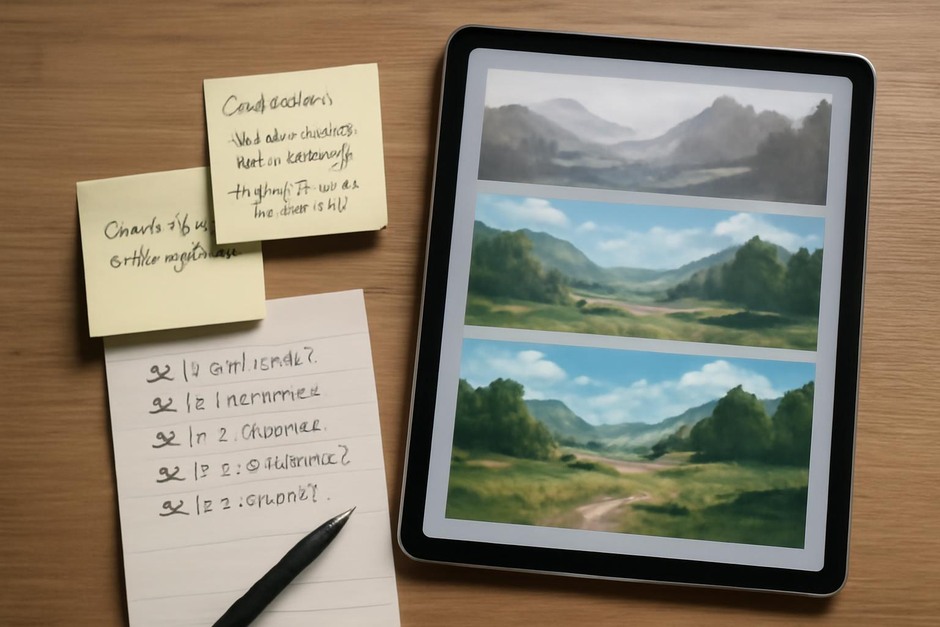
- Colour samples — Small patches that show palette relationships under similar lighting.
Quick gathering checklist
- Define what question you need to answer (e.g., “How does a long coat fold while walking?”).
- Search for three strong examples that directly address that question.
- Save the best two and discard the rest to avoid clutter.
- Label each image with a short note describing why it helps.
How to organise for quick access
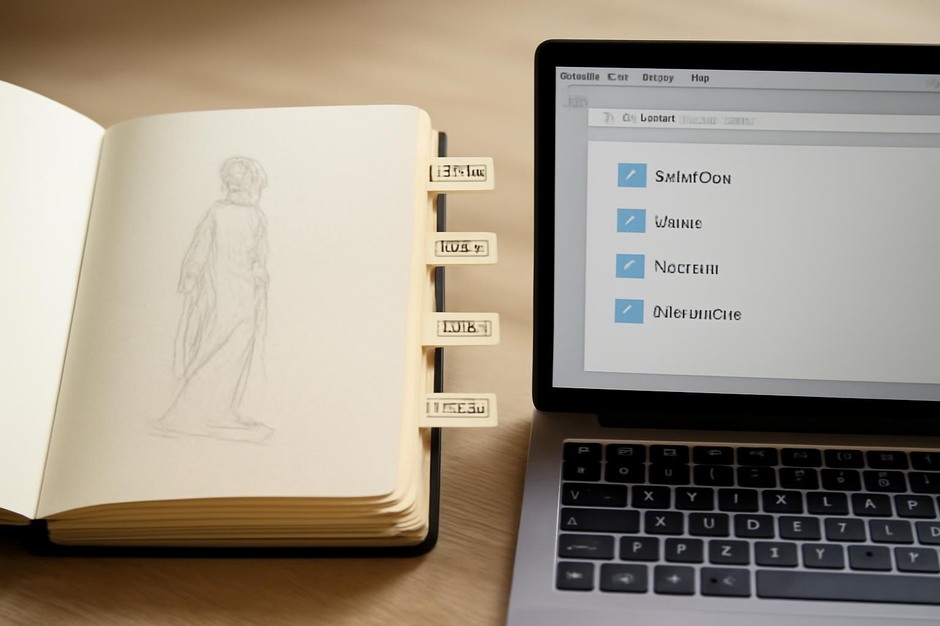
Create folders or tags that match your workflow: “gesture,” “light front,” “cloth drape,” “hard surface.” Keep most folders under fifty images so you can browse quickly. For digital projects, store reference sets alongside project files with a concise README note that explains the intended use.
Using references without copying
Treat all references as problem solvers, not templates. Analyse proportions, edge behaviour and light, then translate those insights into your drawing. If you combine multiple references, note which aspect came from which source so you practise synthesis rather than reproduction.
Reflection prompts
- Which reference answered a specific uncertainty in your sketch today?
- Was any saved material redundant or unhelpful? Remove it.
- How could you label your folders more clearly to find the right image in thirty seconds?
Curating a compact, labelled visual library makes the reference stage a practical part of your creative workflow rather than a distracting open-ended task.